How to Check In for Ryanair Flights
Follow this thorough Ryanair check-in guide to be sure of your options before jetting off.

Ryanair check-in options
You can easily check in online via the Ryanair website or app before you head to the airport. While desks and kiosks are available at selected locations, in-person airport check-in usually comes with an extra fee.
Ryanair check-in periods:
- Advance seat selection: You can check in from 60 days before departure.
- Random seat allocation: You can check in online from 24 hours before departure. This window closes 2 hours before the flight is due to take off.
- Airport check in: Available until 40 minutes before departure, subject to an additional airport check-in charge.
If you'd like one less thing to worry about ahead of your next Ryanair trip, Opodo's automatic check-in feature can deliver the boarding pass straight to your phone. Find out how in this guide.
Ryanair's check-in procedures can change, so if you're unsure about anything, we'd recommend getting in touch with them directly to check you've got the latest details.
Six simple steps for checking in with Ryanair
Choose a method based on your device, baggage and document requirements.
Hop onto the Ryanair website or app and sign in to your account. If you prefer, you can look up your journey directly using your booking reference and email address.
Hit 'Check In' and enter the passport or national ID details for everyone travelling. Remember that Ryanair strictly requires official travel ID, so driving licences or birth certificates cannot be used.
Check your assigned seats or pick new ones if you want to make sure your group sits together. If you prefer not to pay for seat selection, Ryanair will give you a free random seat as soon as general check-in opens.
Confirm the brief safety details to finish up. If you bought a seat, you can check in up to 60 days early. Otherwise, free check-in opens 24 hours before your flight and closes 2 hours before takeoff.
Save your digital boarding pass to the app or your phone wallet so it is ready to scan offline. If your pass indicates a document check, simply swing by the Ryanair desk before heading through to Security.
If you only have hand luggage, you can go straight through to Security once any document checks are sorted. If you have checked luggage, drop them off at least 40 minutes before departure.
Make sure you arrive at the airport early enough to comfortably handle bag drop, security queues, and any document checks.
Check the departure screens in the terminal to find the right desk zone for your flight number. Follow the airport signs, and if the airport uses self-service kiosks, stop by a machine first to print out your luggage tags.
Have your booking reference and official passport or national ID within easy reach. Be sure to also bring along any required visas, residence permits, or extra entry documents needed for your trip.
Place your bags onto the weighing scales one by one and attach the printed bag tag to the handle. Once the Ryanair agent accepts your luggage, store your baggage receipt somewhere safe until you retrieve your bags at your destination.
The desk agent will review your identification, verify your travel papers, and check your status. Keep in mind that if you have not checked in online prior to arriving at the airport, Ryanair will charge an additional check-in fee at the desk.
Collect your printed boarding pass along with any document confirmation slips, then head through to Security. Keep your travel ID easily accessible, as staff will need to check it one last time at the boarding gate.
After booking your flight, open the Opodo app and head over to 'My Trips' to find your journey. Take a quick moment to verify that every traveller's details and flight segments are listed correctly before you proceed.
Select the automatic check-in option for your trip. Follow the simple prompts on screen to authorise Opodo to process check-in for the eligible travellers in your party.
Fill in the passport or national identity card details requested for each traveller. Take a moment to verify names, document numbers, and expiry dates so everything matches your official ID.
Once your details are submitted, Opodo takes over monitoring Ryanair’s check-in schedule. We will automatically submit your details the instant the airline opens the window. Make sure app notifications are turned on so you receive live status updates.
When check-in is complete, your digital boarding pass will appear directly in the Opodo app. If Ryanair requires an additional document verification at the desk, the app will clearly outline the next steps.
Bring your saved digital boarding pass and valid travel ID with you on departure day, safe in the knowledge that the check-in has been sorted long in advance.
Ryanair check in and airport deadlines
You'll find Ryanair’s standard check-in deadlines in the table below, though do double-check your specific booking details before you set off.
| Stage | All flights |
|---|---|
| Reserved-seat check-in opens (web/app) | Up to 60 days before departure. |
| Random-seat check-in opens (web/app) | 24 hours before scheduled departure |
| Web/app check-in closes | 2 hours before scheduled departure |
| Airport check-in and bag drop close | 40 minutes before scheduled departure |
| Boarding gate closes | 30 minutes before scheduled departure |
Your Ryanair airport journey
What to expect on travel day, whichever check-in method you chose
Arriving at the terminal
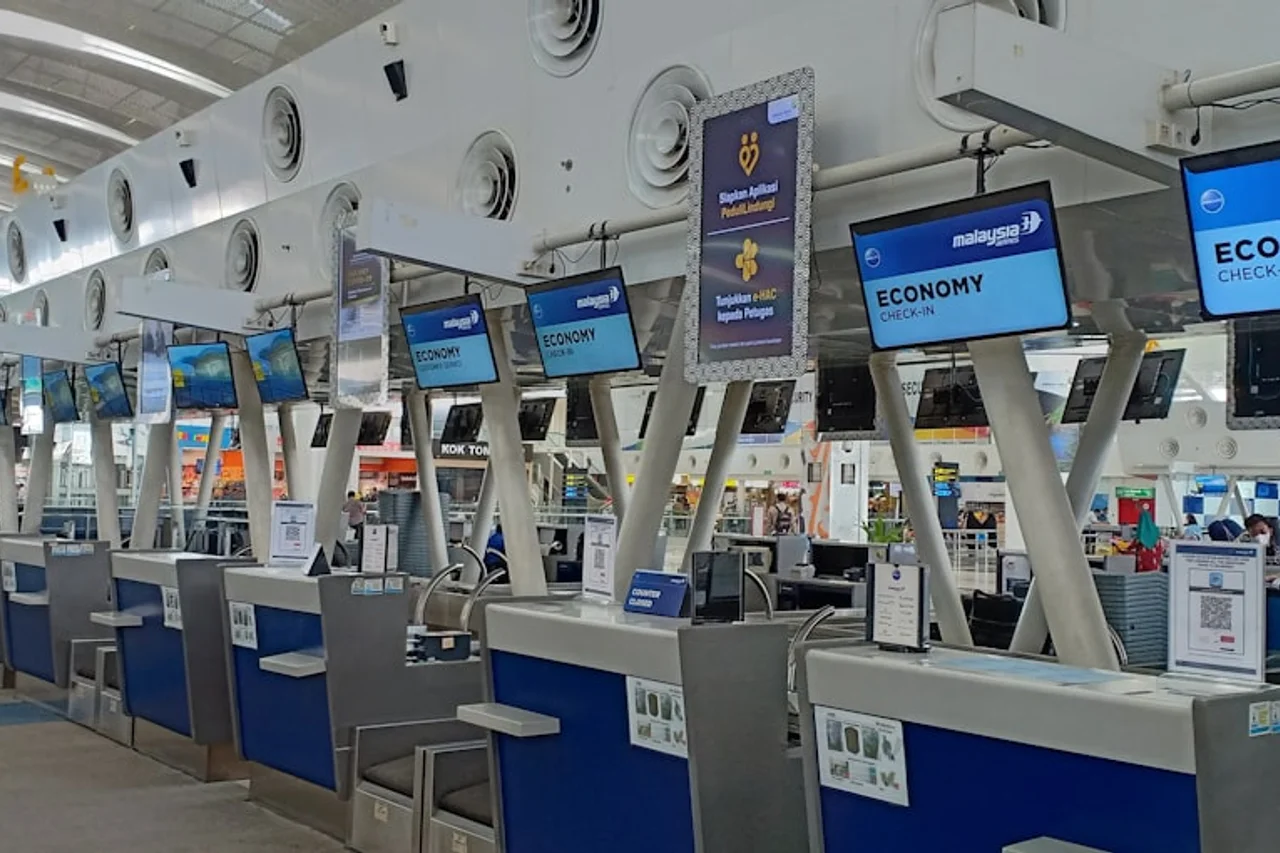
When you arrive at the airport, your first stop depends on how you checked in and whether you have bags to drop. If you are travelling light with hand baggage only and already saved your digital boarding pass in the Opodo app or Ryanair app, you can bypass the check-in area entirely and walk straight to Security.
If you have hold luggage, head over to the Ryanair bag drop before the cut-off, stopping at a self-service kiosk first to print your bag tags if directed by the airport. If you need to check in at the airport or received a restricted boarding pass during online check-in, pop by the Ryanair desk where staff will verify your documents or print your physical pass.
Moving from Security to the gate
Once your luggage is checked and any document checks are complete, make your way through Security with your boarding pass and photo ID ready to scan.
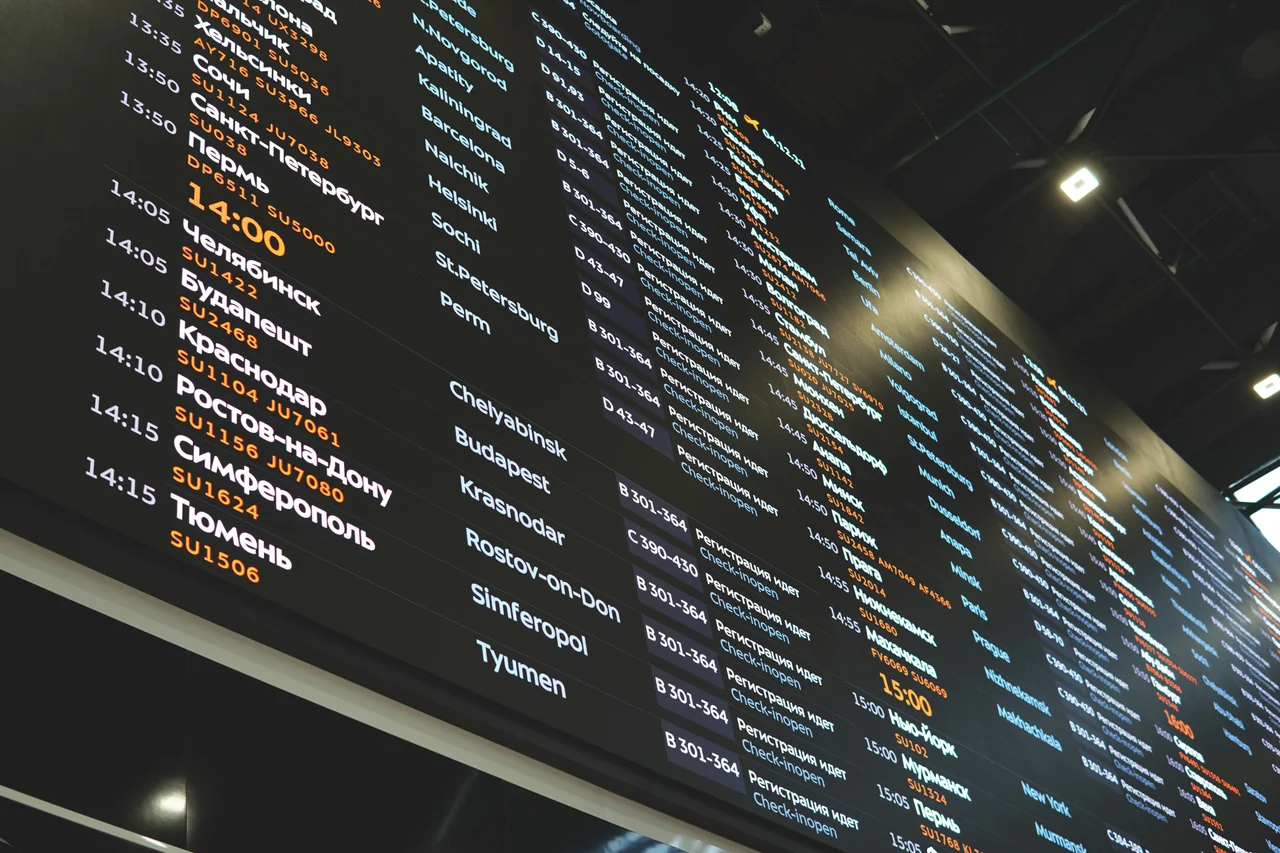
Keep an eye on the terminal departure screens for your gate number, as flight details will update there first, and give yourself plenty of time to walk over to the gate area. When your flight is called, present your boarding pass and ID to the gate agent. Just keep in mind that Ryanair gates have a strict closure time, so aim to be at the gate well in advance.
Ryanair online check in FAQs
If you reserve a seat, check in may open up to 60 days before departure when both flight sectors fall within that period. With a randomly assigned seat, it opens 24 hours before the scheduled flight.
Online and app check in close 2 hours before scheduled departure. After that point, airport check in may be possible until the airport deadline, but an additional charge normally applies.
Yes. Passengers who do not complete online or app check in normally pay an additional airport check in charge. Exceptions can apply when Ryanair directs a passenger to collect a pass or complete a required process at the desk.
You need the booking in your myRyanair account or the reservation number and booking email address. You must also enter the accepted travel document details requested for each passenger.
Ryanair generally accepts a valid passport or national identity card, subject to the rules for the destination. It does not accept a driving licence or birth certificate as standard travel identification.
The Ryanair app provides a digital boarding pass when one can be issued for the journey. If the app displays a restricted pass or airport instruction, complete the stated document or boarding-pass process before Security.
Try the Ryanair app or another browser or device, clear the browser cache and confirm that the app is updated. If the booking was made through a travel agent, complete any identity or booking verification requested by Ryanair.
Ryanair allows document details to be updated through Manage My Bookings when no flight on the reservation is within 4 hours of departure. Review every field again after saving the change.
Passengers who do not pay to reserve seats can check in from 24 hours before departure. Ryanair then assigns seats from those available, and people on the same booking are not guaranteed adjacent seats.
Yes. You can request automatic check-in within the Opodo app and have your Ryanair boarding pass delivered straight to your device.
Your Ryanair journey through the airport
Compare Ryanair fares and choose a flight that fits your travel plans.
Search Ryanair flights